Description
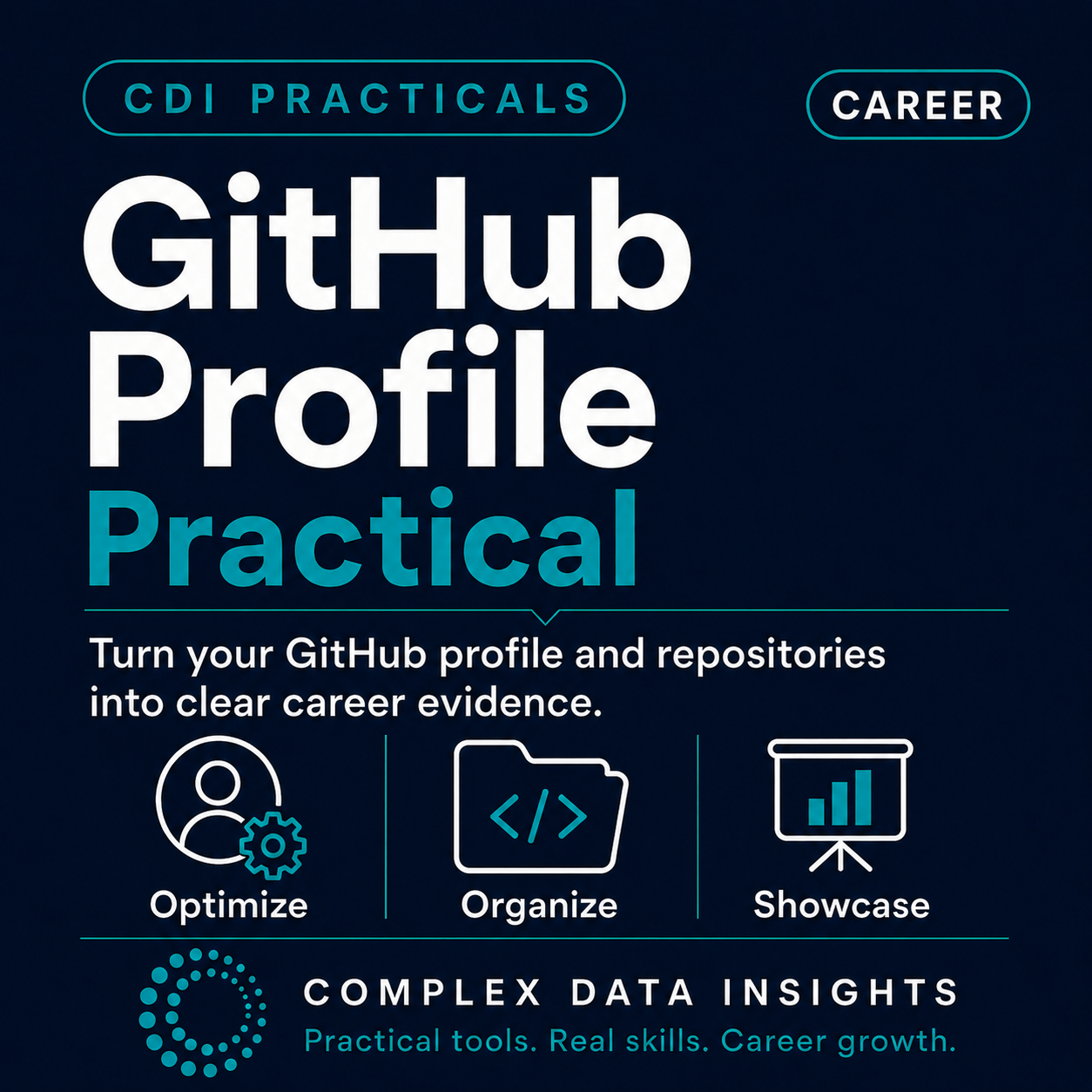
GitHub Profile Practical is a focused, hands-on guide for turning your GitHub presence into clear and credible career evidence.
You will review what your profile currently communicates and improve the elements that help mentors, recruiters, collaborators, and peers understand your skills, projects, progress, and professional direction. The practical covers your bio, profile README, pinned repositories, repository descriptions, project documentation, links, and privacy practices.
What You Will Complete
- A clear purpose for your GitHub profile.
- A structured review of your bio, profile README, pinned repositories, and links.
- An improved GitHub bio and profile introduction.
- A deliberate selection of repositories that provide relevant career evidence.
- Clearer repository names and one-sentence descriptions.
- Stronger project README files explaining purpose, tools, process, outputs, and skills.
- Reusable career-evidence statements for portfolios, CVs, interviews, and applications.
- A privacy check for personal, confidential, or sensitive information.
- A focused three-priority GitHub improvement plan.
Everything Is Included Online
The online practical includes ten completion-focused steps, profile-review worksheets, pinned-repository activities, bio and profile README templates, a reusable project README structure, writing formulas, completed examples, a final checklist, and an action-plan table.
No advanced GitHub knowledge is required. You can work through the activities at your own pace and apply each improvement directly to your profile and repositories.
Who This Practical Is For
This practical is suitable for learners, job seekers, early-career professionals, mentors, and anyone building a public technical or project portfolio. It is especially useful for people whose GitHub account contains valuable work that is difficult for visitors to understand or evaluate.
GitHub is most useful when it suits your field and the evidence you want to present. The practical also helps you decide whether GitHub, a portfolio website, a document folder, or another platform is the clearest and safest place to showcase your work.
Career Foundations Pathway
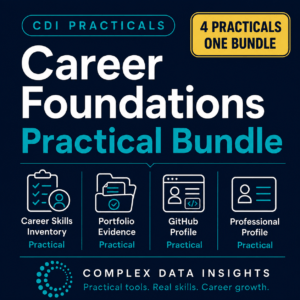
This is the third practical in the four-part CDI Career Foundations pathway:
- Career Skills Inventory
- Portfolio Evidence
- GitHub Profile
- Professional Profile
If you have completed the Career Skills Inventory Practical and Portfolio Evidence Practical, use your selected skills and strongest evidence items to guide what you feature on GitHub. After completing this practical, continue with the Professional Profile Practical to bring your skills, evidence, and career direction together into a clear professional introduction.